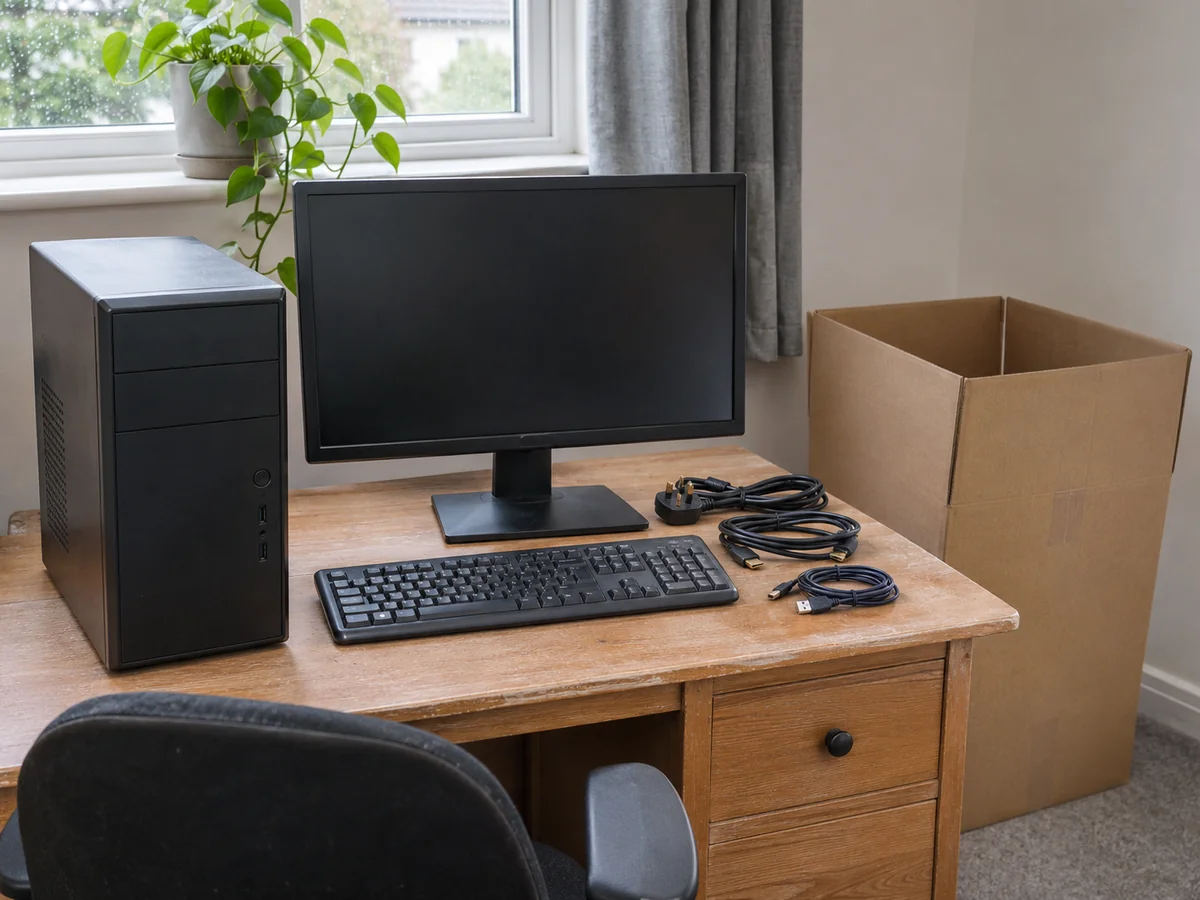
A desktop setup can contain several separate items: the tower or all-in-one, one or more monitors, external drives, cables and peripherals. Record the complete setup before deciding how it will be packed and transported.
Start with the computer's model instructions and your own data arrangements. Transporting the equipment does not include backing up files, dismantling internal components or reconnecting a working system unless those services have been specifically arranged.
Check your backup before the equipment is packed
Make a current backup using the method appropriate to your system and confirm that the files you need are included and accessible. Keep the information needed to use that backup available to you, rather than buried in the computer's carton.
Microsoft's Windows Backup guidance explains which folders and settings its service can retain and how restoration works. It also distinguishes personal Microsoft accounts from work or school accounts. Check your actual setup rather than assuming every backup tool contains a complete copy of the machine.
For a work-managed computer, follow your organisation's IT instructions. Do not transfer business files to a personal account or give a mover login credentials simply to simplify the move.
Find the preparation instructions for the exact system
Record the manufacturer and model, and include the monitor model and any unusual configuration. A compact office PC, an all-in-one and a large custom-built tower may need different packaging and handling.
If the computer has heavy internal parts, a liquid-cooling arrangement or another configuration that raises transport questions, ask the manufacturer, builder or a competent technician what preparation is needed. Do not open the case or remove components on the strength of a generic moving checklist.
Agree who completes that preparation and when. A transport booking is not confirmation that the collecting driver will service computer hardware.
Make an accessory record before disconnecting
Photograph the cable connections if that will help you rebuild the setup, avoiding any personal information on screens or documents. Identify power supplies and cables by the device they belong to, especially where several similar adapters are in use.
Follow the manufacturer's shutdown and disconnection instructions. Keep the keyboard, mouse, speakers, adapters and other loose items on the inventory, and arrange how they will be packed separately from delicate surfaces.
Record external storage and any small parts as well. If you are carrying an item yourself, make that distinction clear so it is not expected in the van's delivery count.
Agree suitable packaging for tower and monitor
Check whether the original packaging and fitted supports are complete and usable. If they are missing, establish what suitable replacement system will be used before collection. A box large enough to contain the tower is not, by itself, a complete packing plan.
FedEx's computer-packing guidance treats protection and support as essential and recommends packing accessories separately. Its parcel-shipping instructions are useful evidence for planning packaging, but they do not define the service included in a man-and-van booking.
Discuss the actual tower, monitor and packaging with the mover. Confirm who supplies materials and who does the packing. Protect screens and exposed surfaces using the appropriate instructions; do not assume ordinary blankets or a fragile label replace suitable packaging.
Describe the packed load and carrying route
Provide the dimensions of the packed items where available, not just the screen size or computer model. Include the number of cartons and any other equipment travelling with them.
Explain stairs, lifts, narrow turns and the distance from a lawful loading position at each address. Keep the route clear before collection and identify a suitable receiving area, rather than leaving the boxes in an active doorway.
For the rest of the room, use the general packing guide. If the computer is travelling as one small collection, describe the complete setup in a single-item transport enquiry, including the separate monitor and accessories.
Allow for setup after arrival
Check the cartons and equipment against your record and follow the agreed process for reporting any concern. Keep useful packaging until the contents have been checked.
Follow the equipment's own instructions before powering it on after transport, including any guidance about environmental conditions. There is no single waiting time that suits every device and journey.
Have the desk, power arrangements and relevant IT help ready before relying on the machine for work. Unpacking, reconnecting, recovering data and checking applications are different tasks from delivery. Keep enough time in your plan to complete the steps your setup actually needs.

Liz
Liz is a content creator and digital marketing consultant. Originally from Toronto, Ontario, Canada, she is now happily settled in the UK (after living in four different countries across 2 continents and moving house 10 times). Drawing on her experiences, Liz shares practical advice and insider tips to help others enjoy smoother, stress-free moves.

The Packing Guides at Find My Man and Van focus on helping you protect your belongings and pack efficiently for any type of move. From fragile items and bulky furniture to room-by-room packing strategies, our guides share proven techniques used by professional movers. With clear instructions and practical tips, we help you save time, reduce damage risk, and stay fully prepared for moving day.