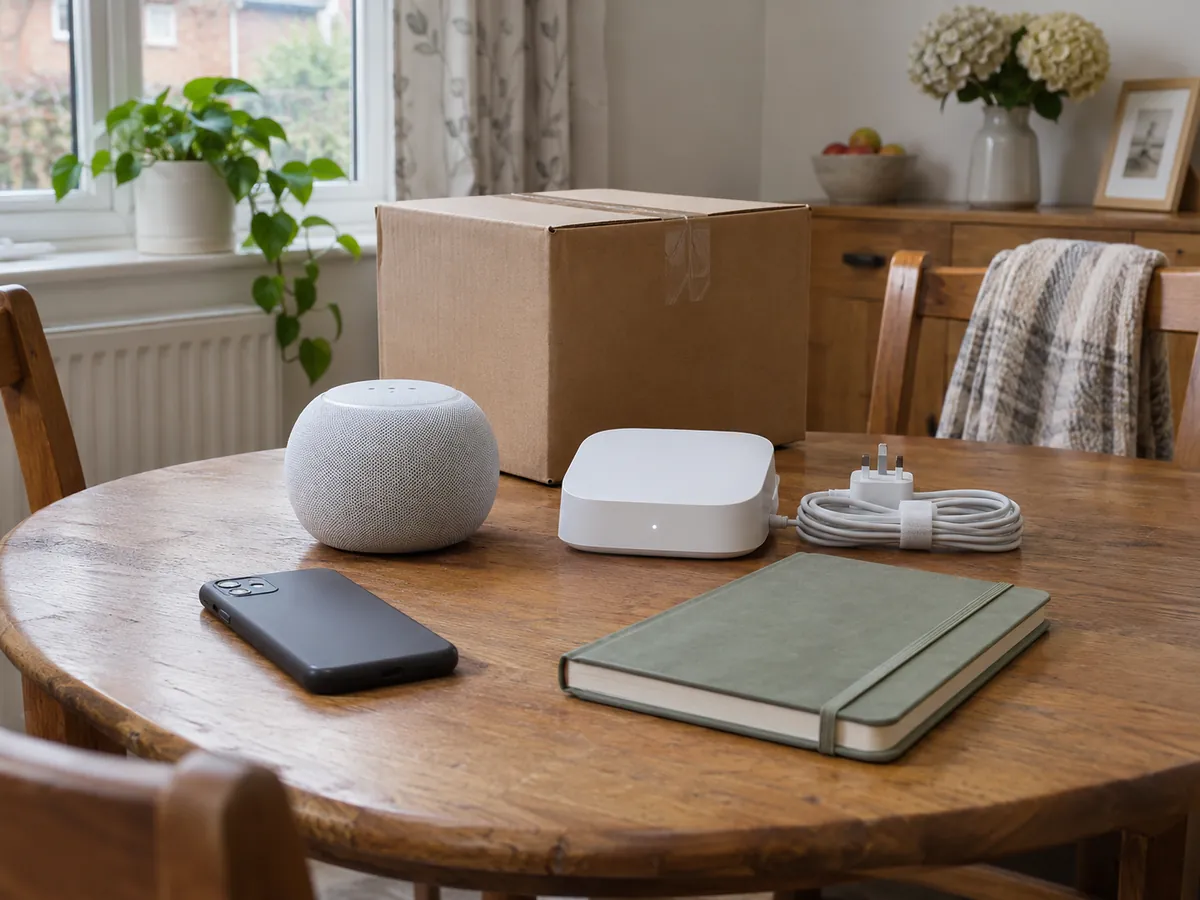
A smart speaker can go into a packing box while a connected doorbell stays on the wall. Both may still belong to the same online account. Before moving home, make a device-by-device plan for the physical equipment and the access attached to it.
This guide is for households moving within the UK. It covers organising your own devices and an agreed handover, rather than electrical installation, security-system commissioning or legal decisions about fixtures. Arrange those questions with the relevant manufacturer, installer, landlord or conveyancer.
Make a take, leave and return list
Walk through the property and list the connected equipment you actually use. Include speakers, hubs, cameras, doorbells, thermostats, plugs and any other device controlled through an app. Check cupboards and utility areas as well as rooms with obvious screens.
For each item, note its model, the account holder, where its instructions can be found and what is intended to happen to it. Keep serial numbers and account details privately in your own records; a transport inventory does not need passwords or access codes.
- Taking it: confirm it belongs to you, can be removed appropriately and has a preparation and packing plan.
- Leaving it: agree which device and accessories stay, who receives them and how account access will change.
- Returning it: check any supplier-owned or hired equipment and obtain its return instructions.
- Uncertain: identify the person who can settle ownership, removal or setup before packing starts.
Use the list to brief anyone helping you pack. A removable hub and a wall-mounted controller can look like ordinary electronics while needing very different decisions.
Agree what stays with the property
Check the agreed sale or tenancy paperwork and raise uncertain items with your conveyancer, landlord or agent. Describe the actual device and its fittings, rather than relying on a broad phrase such as “smart home included”. This checklist cannot decide ownership or permission for your property.
If a device is staying, ask what accessories and information the incoming household needs: the correct power supply, a model reference, instructions and a contact for unresolved transfer questions. Record who will complete the handover and when. Do not pass over your personal account simply because it controls the equipment.
Where equipment is hardwired, integrated with heating or part of an alarm system, ask an appropriate installer about removal or changeover. Avoid leaving the household dependent on a system that somebody has disconnected without an agreed alternative. A transport booking does not include making fixed wiring safe or configuring a security system.
Separate resetting from releasing account ownership
The National Cyber Security Centre’s smart-device guidance advises a factory reset before selling or giving a device to someone else, using the manufacturer’s instructions. Find the guidance for the exact model before starting; different devices may have different account and reset steps.
A reset is not a reason to assume every other handover task is complete. For example, Ring’s ownership-transfer guidance explains that uninstalling the device, deleting the app or cancelling a subscription does not release ownership. Its current process uses the Ring app, and a transfer does not cancel the subscription.
For your own equipment, check the separate instructions for device ownership, stored information, shared access and any ongoing subscription. Ask the manufacturer’s support team if the account holder is unavailable or the transfer does not work. Do not promise the next occupant a working handover until the required steps have been confirmed.
Choose a sensible changeover point
Put each device’s last-use and handover tasks alongside the key handover and broadband dates. Some equipment may still be needed while the old property is occupied. Other devices can be prepared earlier. Avoid resetting the whole household’s equipment in one sweep because the first carton is ready.
Agree who carries out each task, who checks completion and how the incoming household can raise a problem. Where access arrangements depend on a connected device, settle a suitable alternative with the responsible person before changing it. Keep physical keys and essential moving contacts accessible.
The moving-home broadband checklist covers service dates and equipment that belongs to the network. It is particularly useful for distinguishing your removable devices from fixed broadband equipment that should stay. Device handover and broadband transfer still need their own confirmations.
Pack the devices that are travelling
Match each device with its correct adapter and detachable accessories before packing. Photograph connections where useful, keeping personal information out of the photograph. Label the outside of the packaging so the equipment can be found without displaying private account information.
Follow the model’s preparation and packaging instructions. Resolve uncertain batteries, damaged equipment or unusual installation requirements before collection; do not ask the mover to identify and disconnect an unfamiliar system while loading is underway.
Tell the mover which prepared items are travelling and which must remain untouched. Identify separately anything you will carry yourself. Computers and external storage need their own data and equipment plan; use the desktop-computer checklist for that work.
Finish the record at both addresses
At the old property, compare the agreed leave-behind list with what is present and record outstanding questions through the appropriate handover contact. Retain confirmation of completed manufacturer transfers or returns where available.
At the new home, identify any inherited devices before relying on them. Establish the correct ownership and setup route with the previous owner, landlord or manufacturer, then follow current update and security instructions. Do not assume that possession of a device means its previous access has been removed.
Keep transport, account work and installation as separate responsibilities in your moving plan. Include the prepared equipment in your house-removals inventory, with any removal or installation work already arranged. That gives the collecting team a clear load and leaves the digital handover with the people authorised to complete it.

Liz
Liz is a content creator and digital marketing consultant. Originally from Toronto, Ontario, Canada, she is now happily settled in the UK (after living in four different countries across 2 continents and moving house 10 times). Drawing on her experiences, Liz shares practical advice and insider tips to help others enjoy smoother, stress-free moves.

Our Moving House Guides support homeowners and renters through every stage of relocating to a new property. At Find My Man and Van, we provide step-by-step advice on planning timelines, organising utilities, preparing furniture, and coordinating your move day efficiently. Whether you’re moving locally or further afield, these guides are created to help make your house move smoother, more organised, and less stressful.